 Meet GUM, your posting robot
One folder. Fifty accounts.
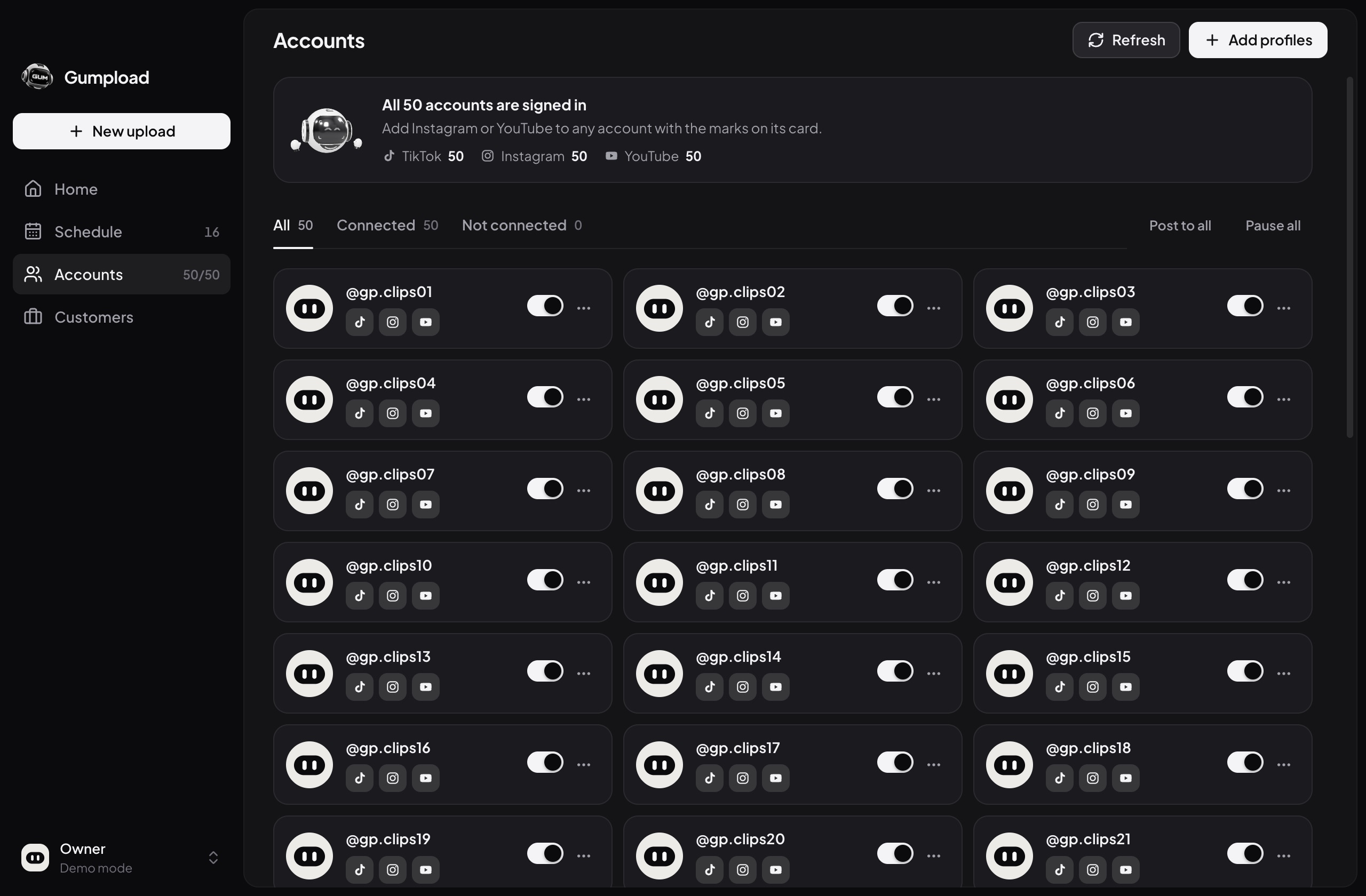
Gumpload posts your clips to TikTok, Instagram Reels and YouTube Shorts on every account you run — on a schedule, in five styles, and it keeps going after you close the laptop.
- TikTok
- Instagram Reels
- YouTube Shorts
Posting four hundred clips by hand takes a week of evenings. Copy the caption, upload, switch account, repeat. Gumpload turns it into one folder and one button — and the posting happens without you.
Three steps.Then it runs itself.
-
1
Connect your accounts
Sign in to each TikTok, Instagram and YouTube account once, on the network's own page. Gumpload never sees a password.
-
2
Choose a folder
Point Gumpload at your clips. It reads every style — NEON, WHITE, HOOK, MAGAZINE, NEWS — and spots the same clip in each.
-
3
Press Start
Pick TikTok, Instagram, YouTube or all three, then posts per day and your hours. Gumpload uploads once, then every clip goes live on time, on every account.
Favorites
Desktop2000 DONEDownloadsIn this folder
1 NEON2 WHITE3 HOOK4 MAGAZINE5 NEWS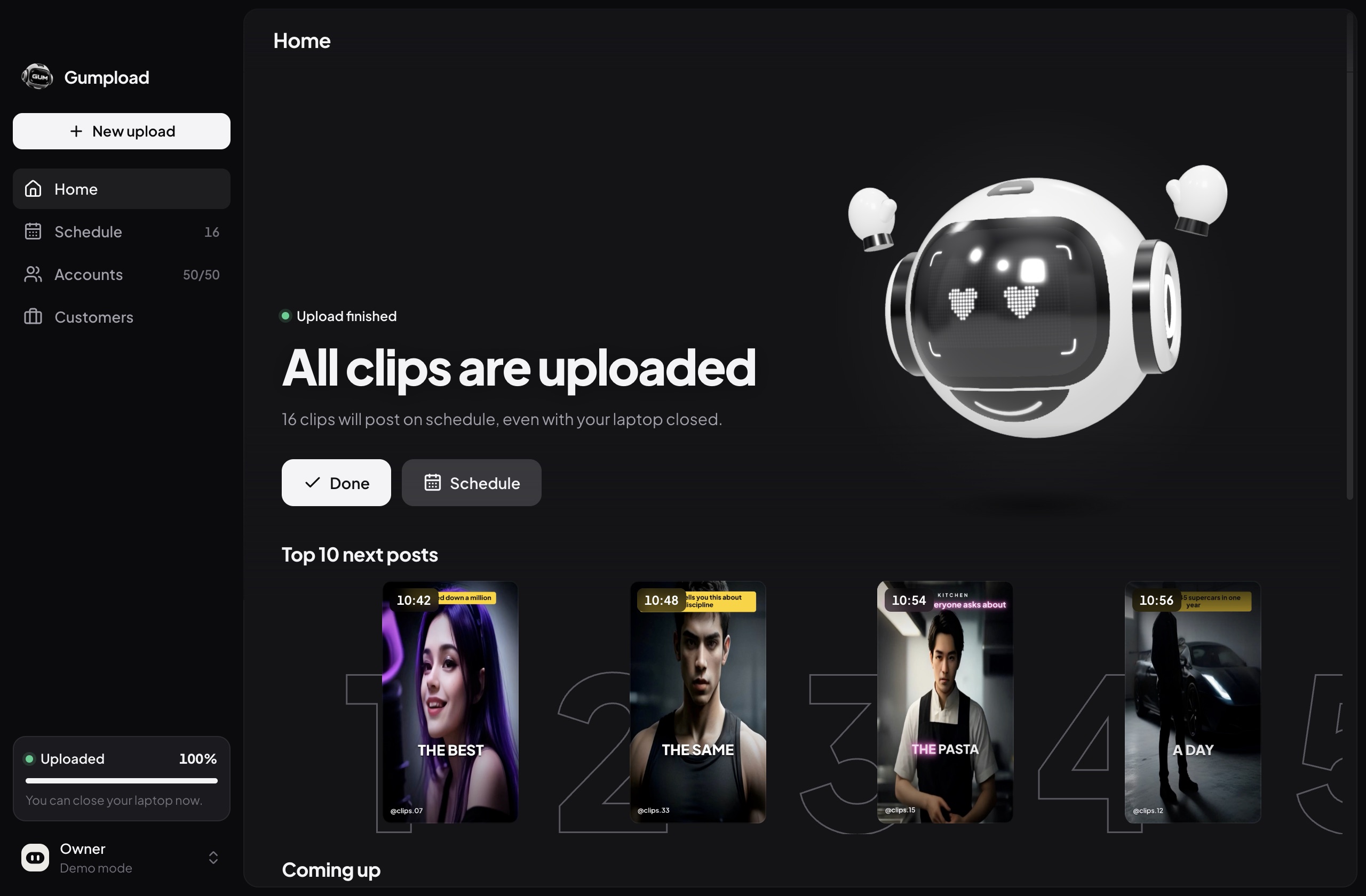
Five styles. One clip.
Gumpload knows NEON-017 and HOOK-017 are the same clip. An account never gets it twice, and the versions go out days apart.
Spread out. Never piled up.
Every account posts at its own time inside your hours. Scroll to run the clock.
- 3
- networks from one upload: TikTok, Instagram Reels and YouTube Shorts
- 10–22
- or any hours you pick, accounts minutes apart
- 0
- clips posted twice to the same account
Close the laptop.It keeps posting.
Once your clips are uploaded, our posting partner publishes each one at its time. Your computer can sleep, travel or stay off.
0 posts went out while the laptop was closed
Everything in one app.
Upload, schedule and check every account from one window.


Upload progress, what goes out next, and anything that needs you.
Ready when you are.
Download Gumpload for free. It starts once you enter your license key.
Mac with an Intel processor? Get the Intel version ()
You're on a phone. Open this page on your Mac or PC to download Gumpload.
Get your license key.
Every key is personal and works on one computer. Here is how to get yours.
- 1
Email us
Tell us if you use a Mac or Windows, and how many accounts you run.
- 2
We set you up
Your accounts arrive connected and ready to post.
- 3
Paste the key
Open Gumpload, paste it once, and press Start.
Questions.
Something else? Write to support@gumpload.com
Does my computer need to stay on?
Only while your clips upload. Once Gumpload says “All clips uploaded”, every post is with our posting partner and goes live on schedule — you can close your laptop.
Does it post to Instagram and YouTube too?
Yes. Each account can post to TikTok, Instagram Reels and YouTube Shorts. Pick one, two or all three per upload, and the same clip goes out on each, at the same time. Instagram needs a Business or Creator account.
When do the posts go out?
You choose. Spread them across the hours you pick, or switch on Best times: Gumpload reads each account's TikTok audience data and posts when its followers are online. Up to 15 posts a day per account with TikTok, and up to 24 on Instagram and YouTube.
Is it safe for my accounts?
Gumpload posts through each network's official API via Upload-Post, an approved integration. You sign in on the network's own page, so Gumpload never sees your password, and it never posts more than the network allows per day.
How does the license work?
Each key works on one computer. Once activated it can't be used anywhere else. Switching to a new computer? Email support and we'll move it for you.
Can I post the same clip in different styles?
Yes. Gumpload recognizes the same clip across style folders and either posts it once, or sends each style to a different account a few days apart — your choice.
Which computers does it run on?
Macs with Apple chips (M1–M4) or Intel processors on macOS 12 or later, and Windows 10 or 11 (64-bit).
How do I get started?
Download Gumpload, then email support@gumpload.com for your license key. Open the app, enter the key, and you're ready to post.